LifeArmor3.0.0
Publisher Description
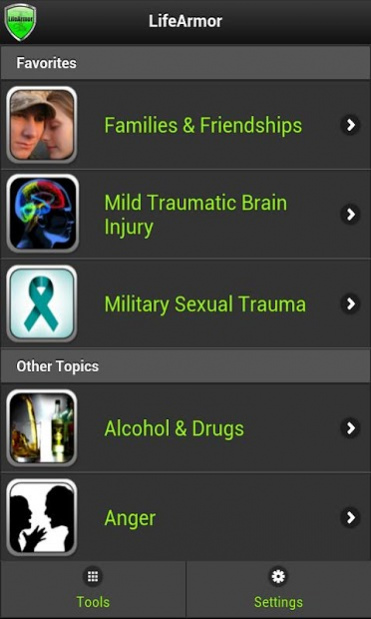
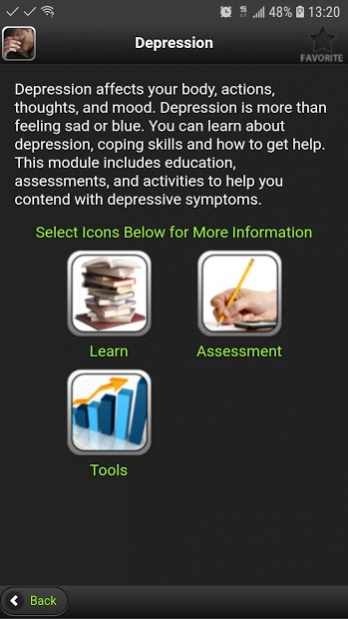
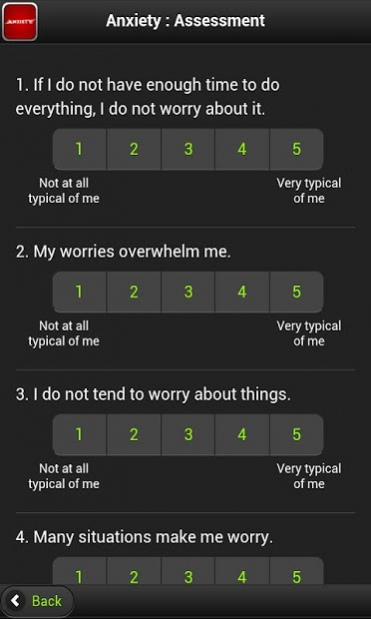
LifeArmor is a comprehensive learning and self-management tool to assist members of the military community with common mental health concerns. Designed for your Android device, LifeArmor is portable and provides information and assistance at the touch of a button. Touch-screen technology allows the user to browse information on 17 topics, including sleep, depression, relationship issues, and post-traumatic stress. Brief self-assessments help the user measure and track their symptoms, and tools are available to assist with managing specific problems.
After selecting a topic area, information is organized into three main menu items:
Learn: Comprehensive information on the causes, characteristics, and potential solutions to emotional, relationship, and other common mental health problems that face the military community.
Assess: Brief self-assessment tools to help the user measure and track symptoms relevant to the topic area.
Tools: Information and guidance on techniques to self-manage problems relevant to the topic area.
About LifeArmor
The company that develops LifeArmor is T2. The latest version released by its developer is 3.0.0. This app was rated by 1 users of our site and has an average rating of 5.0.
To install LifeArmor on your Android device, just click the green Continue To App button above to start the installation process. The app is listed on our website since 2020-11-20 and was downloaded 15 times. We have already checked if the download link is safe, however for your own protection we recommend that you scan the downloaded app with your antivirus. Your antivirus may detect the LifeArmor as malware as malware if the download link to org.t2.adcompanion is broken.
How to install LifeArmor on your Android device:
- Click on the Continue To App button on our website. This will redirect you to Google Play.
- Once the LifeArmor is shown in the Google Play listing of your Android device, you can start its download and installation. Tap on the Install button located below the search bar and to the right of the app icon.
- A pop-up window with the permissions required by LifeArmor will be shown. Click on Accept to continue the process.
- LifeArmor will be downloaded onto your device, displaying a progress. Once the download completes, the installation will start and you'll get a notification after the installation is finished.
Program Details
System requirements
Download information
Pricing
Version History
version 3.0.0
posted on 2020-11-20
This app has been moved to https://play.google.com/store/apps/details?id=mil.dha.lifearmor
version 2.7.6
posted on 2019-03-20
General improvements and bug fixes
version
posted on 2015-10-29
- Minor bug fixes
version 2
posted on 2012-06-20
Several fixes and updates
